

In short
An AI chatbot for a clinic answers the practical questions patients ask before they call: are you taking new patients, which insurance do you accept, what should I bring, where can I park, when are you open. Nexoply answers only from the practice information you give it or import from your website, and it is instructed not to give medical, legal or financial advice; for anything clinical it points people to your phone line or booking page. It replies in 12 languages and has a free plan. Adding it to your site takes one line of code.
- Answers practice information only: new patients, insurance, fees, hours, parking, what to bring.
- Doesn't give medical advice and isn't meant to collect health information; it points patients to your phone or booking page.
- Uses only the information you enter or import from your website, and says when it doesn't know.
- Replies in 12 languages, useful for patients who are more comfortable in another language.
- Free plan with 50 conversations a month; works on WordPress, Wix, Squarespace, Webflow or custom HTML.
Why clinics and private practices use an AI chatbot
Your front desk spends a lot of the day answering the same questions: do you take my insurance, are you accepting new patients, is there parking, what time do you open on Saturday. Meanwhile the phone rings while they're checking someone in, and questions sent in the evening wait until the next morning.
An AI chatbot on your website can take those practice questions off your hands, at any hour, using the information you've written down. It works the same way for general practices, dental offices, physiotherapy and chiropractic clinics, optometrists, psychologists' practices and veterinary clinics.
It doesn't replace your staff or your clinicians. It deals with the routine practical questions, and everything else goes to your phone line or booking page. When a patient asks for a person, your team can take over the chat from the dashboard and reply there (live chat is on every plan, including Free). For other industries, see how small businesses use Nexoply; to compare tools, read our comparison of AI chatbots for small businesses.
What it should and shouldn't do
For a healthcare practice, this matters more than anything else on the page. Nexoply's assistant is instructed not to give medical, legal or financial advice. It answers questions about your practice, not about symptoms, diagnoses, medication or treatment choices.
- It should: explain how to become a new patient, list the insurance plans you accept, give hours, address and parking, say what to bring, and link to booking or give the phone number.
- It shouldn't: interpret symptoms, suggest medication or doses, say whether something is an emergency, or ask for health details.
- When a visitor describes symptoms or asks for advice, it should tell them it can't help with that and point them to your phone line, your booking page or, for emergencies, the local emergency number, as you've written it.
The questions patients ask most
- “Are you accepting new patients?”
- “Do you take my insurance? Which plans do you accept?”
- “How much is a first visit without insurance?”
- “What should I bring to my first appointment?”
- “Where can I park? Is the building wheelchair accessible?”
- “Are you open on Saturdays? What are your hours over the holidays?”
- “How do I book, change or cancel an appointment?”
- “Do you see children / cats and dogs / exotic pets?”
- “Do I need a referral?”
Physiotherapy, dental and other practices: what patients ask
The practical questions vary with the type of practice. In every case the assistant answers only from what you have written. If you don't publish something, such as a self-pay price, it says it doesn't know and points to your phone or booking page.
- PracticePhysiotherapy
- Questions to answer in your informationDo I need a doctor's referral? Is it covered by my insurance? How long is a session and what does it cost without insurance? What should I wear? Is there parking?
- PracticeDental
- Questions to answer in your informationDo you accept my dental plan? How much is a check-up and cleaning? What should I bring to a first visit? Do you see children? Who do I call outside opening hours?
- PracticeChiropractic and osteopathy
- Questions to answer in your informationIs the first visit longer? What do sessions or packages cost? Which insurance do you accept? What should I wear?
- PracticePsychology and counselling
- Questions to answer in your informationAre you taking new clients? Do you offer online sessions? What are your fees and cancellation policy?
- PracticeOptometry
- Questions to answer in your informationHow much is an eye exam? Do you accept my vision plan? Can I walk in for a frame adjustment?
- PracticeVeterinary
- Questions to answer in your informationWhich animals do you treat? What should I bring to a first visit? What do I do outside opening hours?
| Practice | Questions to answer in your information |
|---|---|
| Physiotherapy | Do I need a doctor's referral? Is it covered by my insurance? How long is a session and what does it cost without insurance? What should I wear? Is there parking? |
| Dental | Do you accept my dental plan? How much is a check-up and cleaning? What should I bring to a first visit? Do you see children? Who do I call outside opening hours? |
| Chiropractic and osteopathy | Is the first visit longer? What do sessions or packages cost? Which insurance do you accept? What should I wear? |
| Psychology and counselling | Are you taking new clients? Do you offer online sessions? What are your fees and cancellation policy? |
| Optometry | How much is an eye exam? Do you accept my vision plan? Can I walk in for a frame adjustment? |
| Veterinary | Which animals do you treat? What should I bring to a first visit? What do I do outside opening hours? |
What information to add
- New patient process: whether you're accepting new patients, forms to fill in, how to register.
- Insurance plans accepted, and your self-pay prices for common visits if you publish them.
- Services you offer, and who you see (adults, children, pets).
- Opening hours, holiday hours and what to do outside those hours, in your own words.
- What to bring: ID, insurance card, previous records, a list of current medication, vaccination records for pets.
- Address, parking, public transport and accessibility.
- Booking, rescheduling and cancellation policy, with your booking link and phone number.
- Referrals: whether patients need one, and for which services.
- Your line about medical questions and emergencies (see the note above).
You can type this in, or sign up with your website address: Nexoply reads your public pages and adds the FAQs, policies, hours and contact details it finds by itself, without overwriting anything you typed. Check them before you go live. A scan you start later from the dashboard is shown to you for review first.
Example conversation
- VisitorAre you taking new patients? Do you accept SmilePlus?
- AssistantYes, we're accepting new patients. We accept SmilePlus and several other plans listed on our insurance page. You can book your first visit online or call us at (555) 010-0170.
- VisitorWhat should I bring?
- AssistantPlease bring a photo ID, your insurance card and any recent X-rays. Arrive 10 minutes early to fill in the new patient form.
- VisitorMy tooth really hurts. What painkiller should I take?
- AssistantI'm sorry, I can't give medical advice. Please call us at (555) 010-0170 so our team can help. If this is an emergency, call your local emergency number.
| Visitor | Assistant |
|---|---|
| Are you taking new patients? Do you accept SmilePlus? | Yes, we're accepting new patients. We accept SmilePlus and several other plans listed on our insurance page. You can book your first visit online or call us at (555) 010-0170. |
| What should I bring? | Please bring a photo ID, your insurance card and any recent X-rays. Arrive 10 minutes early to fill in the new patient form. |
| My tooth really hurts. What painkiller should I take? | I'm sorry, I can't give medical advice. Please call us at (555) 010-0170 so our team can help. If this is an emergency, call your local emergency number. |
How to set it up
Create a free account
Sign up free. You won't have an AI key to manage, and there's no technical setup.
Import your website
Enter your website address. Nexoply reads your public pages and adds the FAQs, policies, hours, services and contact details it finds.
Review and add your practice rules
Check what was added, then add your insurance list, new patient process and your line about medical questions and emergencies.
Customize the button
Choose a calm look that matches your site, for example a side tab that says “Help” or “Questions?”. Add start-screen buttons such as “Book an appointment”, “Call us” and “Insurance”.
Paste one line of code
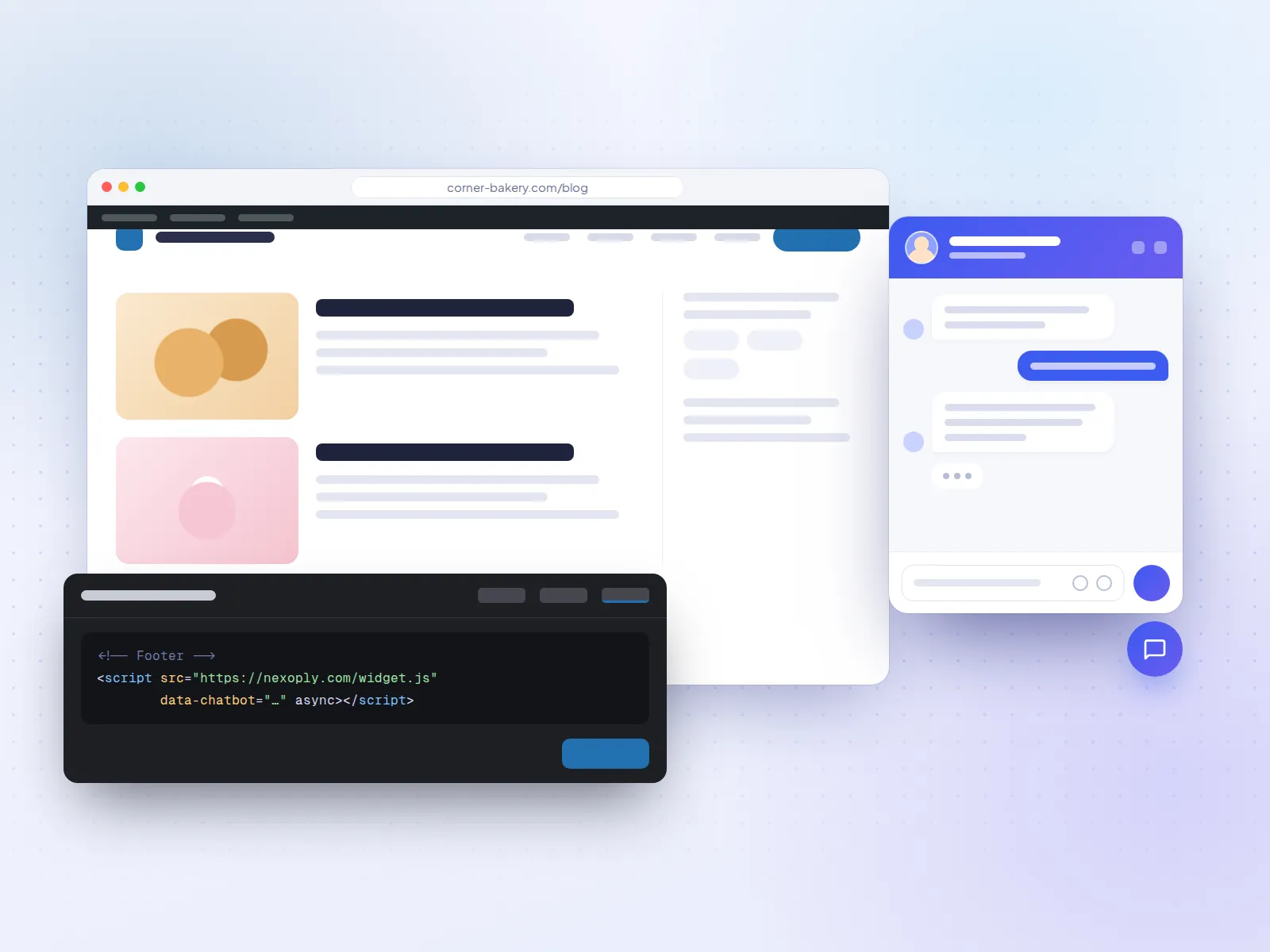
Copy the install code into your website's footer, just before </body>. For WordPress sites, see the WordPress guide.
Before you go live, ask it a few clinical questions yourself and check that it declines and points to your phone. The full setup is described in how Nexoply works.
Which plan fits a clinic
A small practice can start on the Free plan: 50 conversations a month, 50 knowledge items, 15 pages per website scan and 3 uploaded documents, such as a new patient information sheet. Starter ($19/month) gives 500 conversations and 25 documents. Business ($49/month) gives 2,000 conversations and removes “Powered by Nexoply”. Pro ($99/month) is for 10,000 conversations. Yearly billing gives two months free. Every limit is listed on the pricing page.
Frequently asked questions
Will the chatbot give medical advice to my patients?
It is instructed not to. It answers questions about your practice only and, for anything medical, tells the visitor to call you or book an appointment. AI still makes mistakes now and then, so review conversations in your dashboard and keep your wording on medical questions clear.
Does it collect patients' health information?
It isn't designed to. It has no patient forms and visitors need no account. Since people can type anything, add a line asking visitors not to share health details in the chat and to call you instead.
Can it book appointments in our practice software?
No. It doesn't take bookings or payments, doesn't connect to your practice software or patient records, and can't see your calendar. It links to your online booking page and gives your phone number.
Does it work for physiotherapy clinics?
Yes. It answers the practical questions physio patients ask, such as whether they need a referral, which insurance you accept, how long a session takes, what it costs and what to wear, all from the information you add. It doesn't assess injuries or suggest exercises; for that it points patients to your phone or booking page.
Does it work for dental practices?
Yes. Dental offices typically add the dental plans they accept, check-up and cleaning prices if they publish them, new patient forms, what to bring and their after-hours contact. It doesn't give advice about pain or treatment, and points patients to your phone instead.
Does it work for veterinary clinics?
Yes. The same rules apply: it answers practice information such as hours, species you treat, prices you publish and what to bring, and it doesn't give veterinary advice.
Can patients ask in other languages?
Yes. It answers in 12 languages, including English, Spanish, Portuguese, French, Chinese and Korean, in the language the visitor writes in.