

In short
An AI chatbot for a restaurant, café or bakery answers the questions guests ask before they visit or order: are you open now, what's on the menu, do you have vegan or gluten-free options, how do I reserve, do you cater or take custom cake orders, do you deliver to my area. Nexoply answers only from the information you give it or import from your website, says when it doesn't know, and replies in 12 languages. There's a free plan, and you add it with one line of code.
- Answers hours, menu, reservations, catering, custom orders and delivery areas while you're busy in the kitchen.
- Mentions dietary and allergen information only as you wrote it, and you can have it tell guests with allergies to confirm with staff.
- Links to your reservations page, ordering page, phone or WhatsApp; it doesn't take bookings or payments itself.
- Replies in 12 languages, useful for tourists and visitors from abroad.
- Free plan with 50 conversations a month; works on Wix, Squarespace, WordPress, Shopify, Webflow or custom HTML.
Why restaurants, cafés and bakeries use an AI chatbot
During a lunch or dinner rush nobody has time to answer the phone, let alone website messages. Yet that's exactly when people are checking whether you're open, whether there's a table, and whether the menu has something for their friend who doesn't eat gluten.
An AI chatbot on your website answers those questions from what you've written down, whether that's your hours, the menu, your policies or where you deliver. When a guest is ready, it sends them to your reservations or ordering page. For bakeries and cafés it handles the other big topic: custom cakes, catering trays and how far in advance to order.
You don't need to watch the chat during service. Nexoply replies on its own, from your information only, and saves every conversation in your dashboard. When you have a moment, you can take over any chat and reply yourself. For other industries, see how small businesses use Nexoply; to compare tools, read our comparison of AI chatbots for small businesses.
The questions guests ask most
- “Are you open on Monday? What time does the kitchen close?”
- “Can I see the menu? Do you have a kids' menu?”
- “Do you have vegan, vegetarian or gluten-free options?”
- “Does the carrot cake contain nuts?”
- “How do I book a table for 8 on Saturday?”
- “Do you do catering for office events?”
- “How far in advance do I need to order a birthday cake?”
- “Do you deliver to my neighborhood? Is there a minimum order?”
- “Is there parking? Are dogs allowed on the terrace?”
What information to add
- Opening hours, kitchen closing time, and holiday or seasonal changes.
- Your menu, or the main dishes with prices, and a link to the full menu page.
- Dietary options as you describe them: vegan, vegetarian, gluten-free, halal and so on.
- Allergen information exactly as you want it stated, plus a clear line telling guests with allergies to confirm with staff.
- Reservations: your booking link or phone number, group size limits, deposit or cancellation rules.
- Catering and custom orders: what you offer, minimum notice, how to order, prices from.
- Delivery and pickup: areas you deliver to, minimum order, delivery apps or your own ordering page.
- Address, parking, accessibility, terrace, pets, private events.
To save typing, sign up with your website address: Nexoply reads your public pages, including menus built with JavaScript, and adds items with prices (with their currency), FAQs, policies and hours by itself, without overwriting anything you typed. Once the chatbot is on your site, it re-reads the site automatically (monthly on Free, up to hourly on Pro); changed prices, opening hours or contact details wait for your approval.
Example conversation
- VisitorDo you have anything gluten-free?
- AssistantYes, we have a gluten-free brownie and a flourless chocolate cake. They're baked in the same kitchen as our other products, so if you have celiac disease or a gluten allergy, please speak to our staff before ordering.
- VisitorCan I order a birthday cake for 20 people?
- AssistantYes. Custom cakes need at least 3 days' notice and start at $55 for 20 servings. You can place the order on our custom orders page or call us at (555) 010-0115.
- VisitorDo you deliver to Maple Street?
- AssistantI don't have that street in my list of delivery areas. Please call us at (555) 010-0115 and we'll check for you.
| Visitor | Assistant |
|---|---|
| Do you have anything gluten-free? | Yes, we have a gluten-free brownie and a flourless chocolate cake. They're baked in the same kitchen as our other products, so if you have celiac disease or a gluten allergy, please speak to our staff before ordering. |
| Can I order a birthday cake for 20 people? | Yes. Custom cakes need at least 3 days' notice and start at $55 for 20 servings. You can place the order on our custom orders page or call us at (555) 010-0115. |
| Do you deliver to Maple Street? | I don't have that street in my list of delivery areas. Please call us at (555) 010-0115 and we'll check for you. |
The last answer shows the assistant saying it doesn't know instead of guessing. That question will appear in the dashboard so the owner can add the answer.
Reservations, orders and delivery: how the assistant hands off
A restaurant chatbot is most useful just before the guest acts: booking a table, ordering for pickup, asking about a cake. Nexoply doesn't take reservations, orders or payments, and it doesn't see your table availability. It answers the questions first, then sends the guest to the tools you already use.
- Reservations: add your booking link or phone number, plus the rules guests ask about, such as the largest group you seat, deposits for big tables and your cancellation policy.
- Online orders and delivery: list the delivery apps you use or link to your own ordering page, with your delivery areas and minimum order.
- Catering and custom cakes: say how much notice you need, give “from” prices and link to your order form or phone.
- Start-screen buttons: “Book a table”, “Order online” and “Call us” take guests straight to the right place. The assistant also keeps a list of your website's pages, so it can link to your menu or catering page.
How to set it up
Create a free account
Sign up free. No AI key, nothing technical to set up.
Import your website
Sign up with your website address. Nexoply reads your public pages and adds menu items, prices, hours, policies and contact details by itself.
Review and add the details
Check prices and dietary information carefully, then add what's missing: allergen reminder, delivery areas, catering notice, group booking rules.
Customize the button
Match your colors and logo, choose a button or a side tab that says “Help” or “Menu & bookings”, and add start-screen buttons such as “Book a table”, “Order online” and “Call us”.
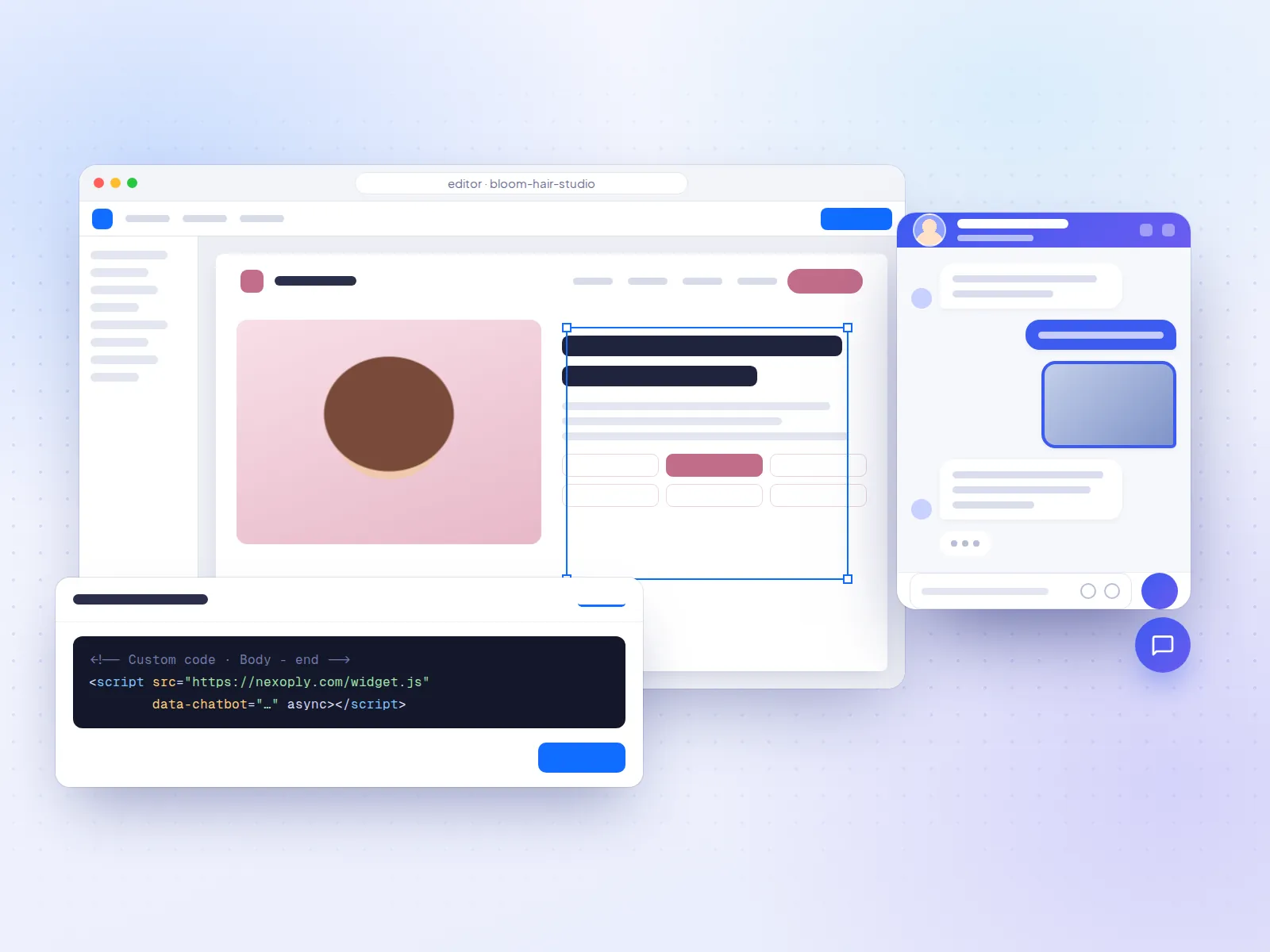
Paste one line of code
Copy the install code into your website's footer, just before </body>. On Wix, see the Wix guide; on WordPress, the WordPress guide.
Changes you make later, such as new holiday hours, appear on your website within about a minute. The full setup is described in how Nexoply works.
Tips for restaurants and bakeries
- Update holiday hours and closures as soon as you know them; it's the question that causes the most frustration when it's wrong.
- Write “from” prices for catering and custom cakes so guests get a realistic idea before they contact you.
- Use page rules to show a different button on your menu or catering page, for example “Questions about catering?”.
- Check the busiest times and topics in your dashboard; they show what guests want to know before they come.
Which plan fits a restaurant
- PlanFree
- Price per month$0
- Conversations per month50
- Good fit forA small café, bakery or family restaurant
- PlanStarter
- Price per month$19
- Conversations per month500
- Good fit forA busy restaurant; more uploaded documents (25 instead of 3), such as a PDF menu
- PlanBusiness
- Price per month$49
- Conversations per month2,000
- Good fit forPopular venues and caterers; removes “Powered by Nexoply”
- PlanPro
- Price per month$99
- Conversations per month10,000
- Good fit forVery high-traffic websites
| Plan | Price per month | Conversations per month | Good fit for |
|---|---|---|---|
| Free | $0 | 50 | A small café, bakery or family restaurant |
| Starter | $19 | 500 | A busy restaurant; more uploaded documents (25 instead of 3), such as a PDF menu |
| Business | $49 | 2,000 | Popular venues and caterers; removes “Powered by Nexoply” |
| Pro | $99 | 10,000 | Very high-traffic websites |
Start on Free and upgrade if you reach the limit. Yearly billing gives two months free. Every limit is listed on the pricing page.
Frequently asked questions
Can the chatbot take reservations or food orders?
No. Nexoply doesn't take bookings, orders or payments. It links to your reservations or online ordering page, your phone number or WhatsApp.
What does a chatbot for restaurants actually do?
It answers guests' questions on your website at any hour, using only the information you add: opening hours, menu and prices, dietary options, reservations, catering, delivery areas, parking. When a guest is ready to act, it links to your reservations or ordering page, your phone or WhatsApp.
Does it work with my reservation system?
It works alongside it rather than inside it. Nexoply doesn't connect to reservation software, so it can't check or hold tables. If your reservation system has a booking page or a phone number, the assistant sends guests there.
Is it safe to let it answer allergen questions?
It only repeats the allergen information you wrote, and says it doesn't know otherwise. Because recipes change and mistakes are serious, always include a line telling guests with allergies to confirm with your staff before ordering, and review conversations in the dashboard.
My menu changes every week. Do I have to update it?
Yes, the assistant uses the information you've added, so keep it current. You can scan your website again or edit items in the dashboard; changes appear on your site within about a minute.
Can tourists ask in their own language?
Yes. It answers in 12 languages, including English, Spanish, French, German, Italian, Japanese and Chinese, in the language the guest writes in.
Will it slow down my website?
The widget loads asynchronously, so your pages don't wait for it. It can't break your site, and your site's styles don't affect it. It sets no cookies either.