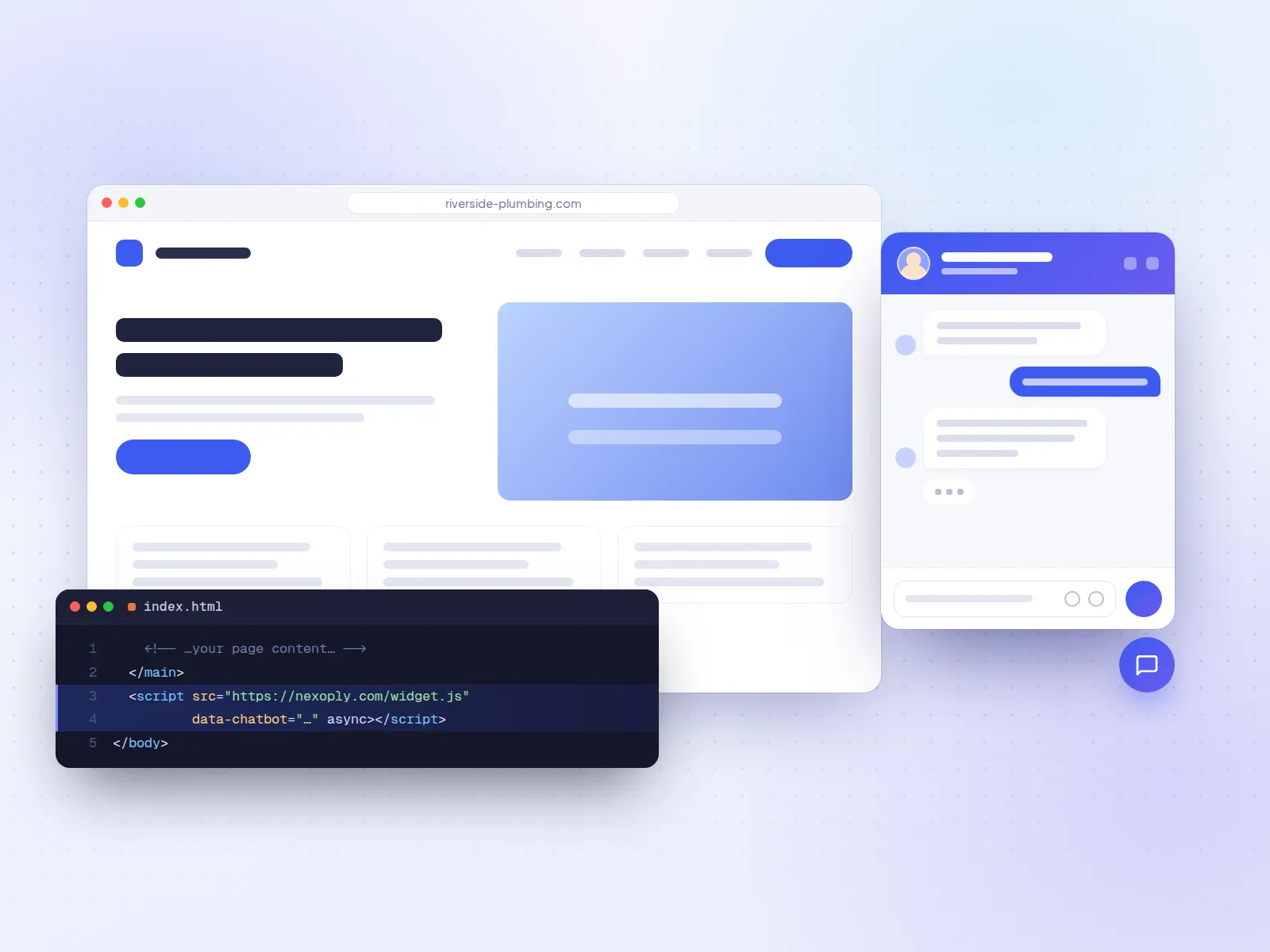


Trades & home services
“Do you do emergency calls on weekends?”
Answer service-area, pricing and availability questions while you're on a job.
AI chatbot for plumbers and tradesFor small businesses · No coding needed
Answer customer questions 24/7 with an AI assistant that uses only your own business information. Set up in minutes, no coding.


Illustration with a fictional business. Answers come only from the information you enter.
24/7
answers, day and night
12
languages your assistant can speak
50
free conversations every month
0
coding or AI keys needed
How it works
No technical skills required. If you can fill in a form, you can set up your assistant.
Import it from your website in about a minute, or fill in simple forms with your hours, services, prices, FAQs and policies.
We organize everything you entered so your assistant can find the right answer quickly.
Ask it questions in your dashboard, just like a customer would. Adjust your info until you're happy.
Copy one line and paste it into your website. The chat bubble appears for your visitors right away.
See it in action
A short walkthrough of the whole workflow - it plays on its own, or click a chapter.
Step 1: Add your business info. Services, prices, hours, FAQs and policies - plain forms, no technical setup.
Add service
Your assistant starts using this as soon as you save.
Service name
Price
Currency
Description
Simulated screens with a fictional business.
Features
Built for busy owners who want fewer repeat questions - not another complicated tool to learn.

Your assistant is instructed to answer using only the information you give it. It never mixes in details from other businesses.

If the answer isn't in your info, it says so and points visitors to you. You get a list of questions it couldn't answer, so you can turn them into new FAQs.

Choose your assistant's main language, from English and French to German, Chinese and Japanese. When a visitor writes in another language, it answers in theirs.
Enter your website address and it reads your pages, then suggests your services, hours, FAQs and policies. Nothing is added until you approve it.

Paste a single line into your site. Works with WordPress, Wix, Squarespace, Shopify, or any website where you can add code.
Open the chat on a welcome screen with up to 8 buttons - book an appointment, call you, see your prices - next to the button that starts a conversation.

Pick the button icon or your own image, colours, fonts, bubble styles and logo so the chat feels like part of your website. Business and Pro plans can remove our branding.

Off-topic questions, junk and message floods get a short, polite reply without using AI, and anyone who keeps spamming is paused automatically.
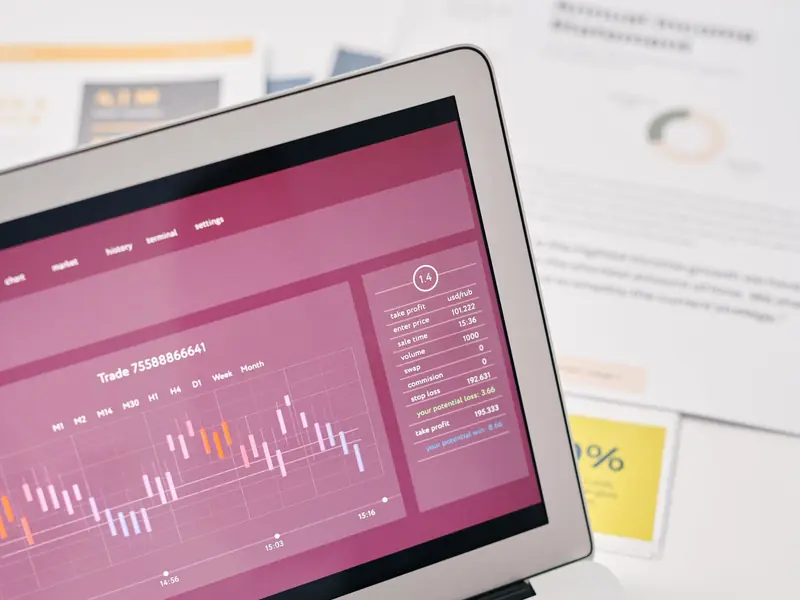
Read every conversation and see topics, busy times and the questions it couldn't answer yet - then export any view as a PDF report.

The chat loads in the background, in its own isolated layer, so it never slows down or breaks your website - on a desktop or a phone.

Built-in checks stop visitors from tricking your assistant into ignoring its rules, revealing how it works or sharing anything it shouldn't.

Your business information is only used for your own assistant. You can delete it - or your whole account - at any time.
Talk, type or show it
Your chat window works the way people message today, on phones and computers.
Visitors tap the microphone and ask out loud, for up to a minute. Their words are written out and answered like a typed question.
A listen button on every answer, or “Read answers aloud” for the whole conversation: handy on the go, or for anyone who prefers to listen.
Customers can send photos, PDFs, Word, Excel and text files (up to 5 at once) by choosing, pasting or dragging them in. You see every file in Conversations.
On a computer, visitors can send a screenshot of the page with one click: ideal for “What does this error mean?”.
An emoji picker in the message box. A quick 👍 gets a friendly reply on its own, without using an AI answer.
Recordings aren't kept, only the written-out text. Photos are saved without hidden data such as location, and files are deleted with their conversation.
You choose which of these your visitors can use, under Chatbot → Features in your dashboard.
Make it yours
No designer needed. Every part of the chat - button, window, bubbles, backgrounds - is yours to style, with a live preview as you go.
Pick a ready-made look - Classic, Midnight, Sunset, Ocean and more - then change anything.
Six icons, your logo or pasted SVG code; shape, size, label, colours, border, shadow and position.
Header, conversation area, input bar and each message bubble have their own colour picker with presets and an eyedropper.
Sixteen built-in patterns and gradients, or upload your own photos. Add your company logo and an assistant avatar.
Six typefaces including “same as my website”, text size, window width, corner and bubble roundness.
Welcome visitors with your own title and intro, and up to 8 buttons that open a page, call you or start an email.
See exactly what visitors get while you edit - and remove our “Powered by” link on Business and Pro.
Sunset
Warm gradient header with a labelled pill button.
Midnight
Dark window with a deep gradient header. Great on dark websites.
Ocean
Cool blue-green gradient header and a calm, airy conversation area.
Soft & friendly
Rounded shapes, a labelled button and a gentle dotted background.
Minimal
Square corners, monochrome, no shadow. For modern, typographic sites.
Aurora
A vivid gradient header and mesh conversation background for playful brands.
Who it's for
If customers ask you the same questions every week, your website can answer them.
Trades & home services
“Do you do emergency calls on weekends?”
Answer service-area, pricing and availability questions while you're on a job.
AI chatbot for plumbers and trades
Cafés, bakeries & restaurants
“Are you open on Sundays?”
Hours, menus, allergens and custom orders - answered instantly.
AI chatbot for restaurants and cafés
Salons & barbershops
“How much is a cut and colour?”
Prices, appointment policies and cancellations, without the phone tag.
AI chatbot for salons
Clinics & practices
“Do you take new patients?”
Insurance, parking, what to bring - the questions your front desk repeats all day.
AI chatbot for clinics
Shops & offices
“Do you ship to Quebec?”
Shipping, returns and warranty policies straight from what you wrote.
AI chatbot for Shopify storesMore industries:HotelsGyms and fitness studios
Works with your website
The same one line of code works everywhere. Our step-by-step guides show exactly where it goes on your platform.
WordPress
Wix
Shopify
Squarespace
Webflow
React
Next.js
Vue / Nuxt
Compare
Comparisons with prices checked on each vendor's own website, and clear notes on where another tool fits better.
01
Which AI chatbot should a small business put on its website? 11 tools compared on free plans, pricing units, setup and live chat. Prices checked Oct 2026.
02
Free AI chatbot plans for websites compared: monthly limits, branding, what happens at the limit, and the cheapest paid step. Checked October 7, 2026.
03
AI assistants for business compared: Copilot, Gemini, ChatGPT Business and Claude for your team, plus Tidio, Intercom Fin and others for your customers.
04
AI customer service chatbots compared: Intercom Fin, Zendesk, Freshdesk, HubSpot, Help Scout, Front, Gorgias, Tidio and more, by AI billing and handoff.
05
AI chatbot pricing explained: free plans, $19 to $50 a month for small businesses, and per-resolution tools worked out at 100, 500 and 2,000 chats a month.
06
AI Engine, Tidio, HubSpot, tawk.to, AI Puffer, WPBot and more compared for WordPress: installs, ratings, AI keys, WooCommerce support and prices.
| What you get | Nexoply | Live-chat and helpdesk tools | Build your own with an AI API |
|---|---|---|---|
| Answers customers on its own, 24/7 | Yes, included in every plan | With an AI add-on or on higher plans | Yes, once you've built it |
| Answers only from your business information | Yes, and says so when it doesn't know | Depends on how the AI is set up | Only if you build that in |
| Setup | Minutes: import your website, paste one line of code | Inbox, team and AI configuration | Developer time, hosting and an API key |
| People answering in the chat | No live-chat inbox; links to your phone, email or WhatsApp | Yes, that's what they're built for | Only if you build it |
| Typical cost | Free, then $19 to $99 a month, AI included | Per seat or workspace, often plus AI fees | AI usage plus development and upkeep |
Pricing
Start free. Upgrade when your assistant is answering more questions.
$0/ month
Try it on your website.
Up to 50 conversations per month
Start free$19/ month
For small businesses getting regular questions.
Up to 500 conversations per month
Choose Starter$49/ month
For busy businesses with steady website traffic.
Up to 2,000 conversations per month
Choose Business$99/ month
For high-traffic websites.
Up to 10,000 conversations per month
Choose ProPrices in USD, plus tax where applicable. Pay monthly or yearly; change or cancel anytime.
FAQ
Straight answers to what business owners ask before adding an AI assistant to their website.

Still have a question?
Ask our own assistant - it runs on Nexoply and answers in seconds - or email our team.
No. Visitors just click the chat bubble on your website and type their question. No sign-up, no download.
It's instructed to answer only from the information you provide, and to say so when it doesn't know instead of guessing. Like any AI, it isn't perfect - so you can review every conversation in your dashboard and improve your info whenever you spot something.
Any website where you can add a script tag - including WordPress, Wix, Squarespace, Shopify and custom HTML sites. We show you exactly where to paste it.
No. We handle all of the AI for you. You just enter your business information and paste one line of code.
Yes. Enter your website address and we read its public pages - from 15 pages on the Free plan to 200 on Pro - and suggest your services, hours, FAQs and policies. You review everything, and nothing is added until you approve it. You can also type your information in yourself.
Your assistant can chat in 12 languages: English, French, Spanish, Portuguese, German, Italian, Dutch, Polish, Turkish, Chinese, Japanese and Korean. You choose its main language in your dashboard, and when a visitor writes in another language, it answers in that language.
Yes. Visitors can tap the microphone and ask out loud for up to a minute: their words are written out and answered like a typed question. Every answer has a listen button, and visitors can turn on “Read answers aloud”. Recordings aren't stored; only the written-out text is saved in the conversation. You can turn both features off.
Yes. Visitors can send photos, PDFs, Word, Excel, PowerPoint and text files, up to 5 at once (10 MB per file, 20 MB in total), and on a computer take a screenshot of the page with one click. You see every file in the conversation. The assistant reads text files and can look at photos when the AI setup supports images; otherwise it tells the visitor your team will check the file. Files are deleted when you delete the conversation.
Yes. In your dashboard you can change the message button (icon or your own image, text, shape, size, colours, border, shadow and position), the chat window (font, text size, width, roundness, header and background colours, your logo) and the message bubbles for you and your visitors. A live preview shows every change before you save. A small “Powered by” link appears at the bottom of the chat; Business and Pro plans can remove it. You can also open the chat on a start screen with your own buttons - for booking, calling you or seeing your prices.
Yes. Your dashboard shows every conversation, the topics people ask about, your busiest times and the pages where they opened the chat. Questions your assistant couldn't answer are listed so you can turn them into FAQs in one click, and any view can be exported as a PDF.
Spam protection is built in. Questions that have nothing to do with your business, junk messages and message floods get a short, polite reply without using AI, and people who keep doing it are paused automatically. You choose how strict it is, and a genuine question always resets the count, so real customers aren't affected.
Yes. One switch in your dashboard turns it off, and the same switch turns it back on whenever you like.
No. Each business's information is kept separate and is only used to power its own assistant. You can delete your information at any time.
Guides
Step-by-step install help, guides for your industry and honest one-to-one comparisons.
Tidio and Nexoply compared on price, AI conversations, live chat, channels and setup, as of October 2026: where each one fits a small business.
Read the guideAI customer service for plumbers and home service pros: a website chatbot that answers questions on emergencies, service areas, prices and hours, 24/7.
Read the guideAdd an AI chatbot to any website: plain HTML, WordPress, Wix, Squarespace, Shopify, Webflow or React. One line before </body>. Free plan, no card needed.
Read the guideAdd your business info, test your assistant, and put it on your website - all on the free plan.